A step-by-step field guide using IndoAI Edge AI Box placed alongside your NVR
Most CCTV systems in India are built to record footage, not to reduce incidents. When something goes wrong, teams still depend on manual monitoring and slow playback.
IndoAI Edge AI Box upgrades your existing CCTV setup by adding an on-prem AI analytics layer alongside your NVR or VMS. It reads your camera streams, detects events in real time (intrusion, loitering, fire/smoke, PPE violations, queue build-up, safety hazards), and pushes verified alerts and dashboards to your team, without replacing cameras or rewiring the site.
If you already have IP cameras and an NVR, you’ve already paid for cabling, mounts, switches, recording storage, and installation effort. The Edge AI Box approach protects that investment and adds intelligence on top.
Who this guide is for
- Factory owners and EHS teams who want safety analytics (PPE, forklift hazards, fire/smoke)
- Housing societies and facility managers who want intrusion and gate analytics (tailgating, loitering)
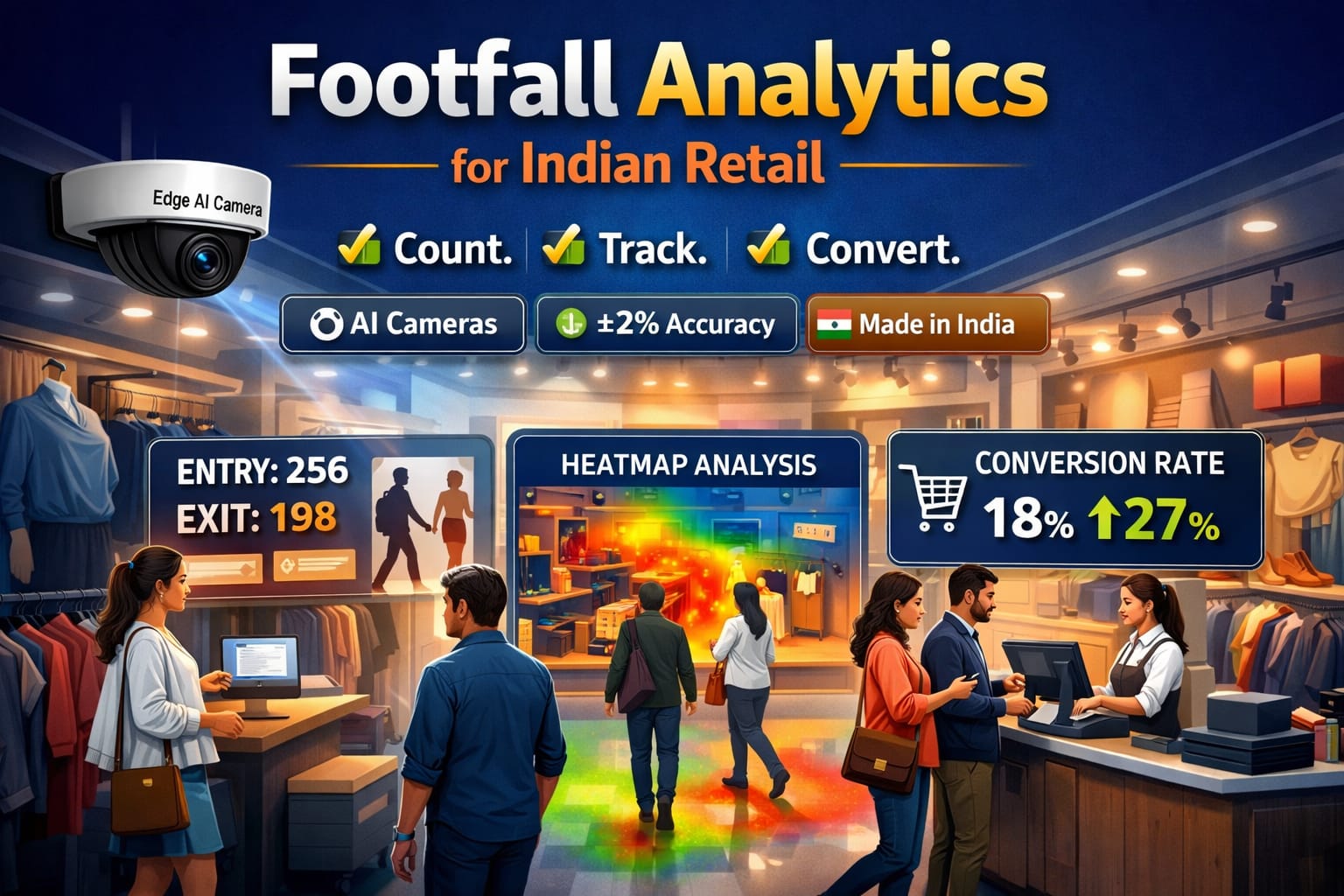
- Retail chains that want footfall, heatmaps, and queue management
- Warehouses that want perimeter, movement anomalies, and operational control
- Schools, colleges, and hospitals that need privacy-first monitoring and crowding insights
Table of contents
What “AI upgrade for CCTV” really means
Upgrading CCTV with AI typically adds four capabilities:
- Real-time alerts: Intrusion, loitering, crowding, fire/smoke, aggression signals, PPE non-compliance, tailgating, unsafe lifting, spill detection.
- Operational analytics: People counting, zone occupancy, dwell-time, queue management, heatmaps, vehicle counting and movement patterns.
- Searchable events: Instead of watching hours of footage, you jump to event clips and timelines.
- Privacy and compliance controls: Dynamic privacy masking, face masking, license plate masking, and audit-friendly settings.
Three ways to add AI to CCTV (and why Edge AI Box is practical in India)
Option 1: Replace cameras with AI cameras
Best when you are doing a complete refresh or building a new site.
Challenges: high capex, long rollout, camera-by-camera replacement, installation disruption.
Option 2: Cloud video analytics
Works when bandwidth is reliable and policy allows video leaving the site.
Challenges: upload costs, latency, privacy concerns, recurring cloud costs at scale.
Option 3: On-prem Edge AI Box (IndoAI approach)
Best for mixed camera brands, bandwidth constraints, faster retrofits, stronger data control. Cameras and NVR remain the same. AI is added as a layer. This model suits many Indian deployments where networks, budgets, and data policies vary widely.
Where IndoAI Edge AI Box fits in your system
Your current setup (typical site)
- IP cameras connected to PoE switches
- NVR (records continuously)
- Optional VMS for centralized viewing
After upgrade with IndoAI Edge AI Box
- Cameras continue recording to NVR as usual
- IndoAI Edge AI Box pulls camera streams over
- LAN AI models generate events, alerts, and dashboards
- Your team receives notifications and searchable clips through IndoAI app/dashboard
In simple terms:
- NVR remains the recorder
- Edge AI Box becomes the brain
IndoAI AI Applications you can offer (structured library)
Basic analytics
- Dynamic Privacy Masking
- Dynamic Face Masking
- Basic Attribute (Colour of Clothes)
- Queue Management
- Heatmap
- License Plate Masking
- Intrusion Detection
- Loitering Detection
- People Counting
- Vehicle Counting
- Zone Counting and Multi-Zone Counting
- Virtual Fence (Line Crossing)
- Stopping Detection
- Stay and Go
- Enter/Exit Detection
- Occupancy and Occupancy Car Counting
- Speed Anomaly Detection
Advanced analytics
- Crowd Detection
- Advanced Visitor Analysis (Gender)
- Hand and Foot Intrusion
- Intentional Body Gaze Detector
- Imminent Threat
- Fallen Person Detection
- Animal Detection
- Fire and Smoke Detection
- Vehicle Type Counting
- Vehicle Type Detection
- Thermal Intrusion Detection
- Advanced Attributes
Extra analytics
- LPR for US, Europe, JP, KR
- Advanced Heatmap
- No PPE and No Mask
- Illegal Dumping
- Aggressive Detection
- PTZ Tracking and Object Location Tracking
- Forklift No Helmet and Forklift Detection
- Forklift Non-Driver Detection
- Work Vehicle Hazard Detection
- Staff Exclusion People Counting
- Bullying Detection
- Dust-proof Clothing Detection
- Tailgating
- Vehicle Queue Management
- Covered Face Detection
- Human Prolonged Stay
- Vehicle Zone Presence
- Reverse Movement Detection
- Road Pedestrian Detection
Hybrid AI Boost (higher compute, higher value)
- Gun Detection
- Illegal Dumping Plus
- Bear Detection
- Helmet Not Worn
- Under-age Detection
- Phone-walking Detection
- Unsafe Lifting
- Fire and Smoke Detection Plus
- Fallen Person Detection Plus
- Aggression Detection Plus
- Animal Detection Plus
- Spill Detection
- Imminent Threat Plus
- Out of Uniform
- CloseCam Covered Face
Note on responsible deployment: Certain analytics such as “under-age” or “gender” should be treated as assistive signals with clear policy controls, confidence thresholds, and human verification workflows.
Step-by-step: How to upgrade existing CCTV with IndoAI Edge AI Box
Step 1: Site discovery (what to collect before deployment)
Create a quick inventory:
Camera and stream information
- Total cameras and key locations
- Resolution per camera (2MP, 4MP, 8MP)
- FPS (10/15/20/25) and encoding (H.264/H.265)
- Day and night performance (IR glare, backlight zones)
- Mounting height and view angle (important for accuracy)
Network information
- Camera VLAN or LAN details
- Whether Edge Box can reach camera IP range
- Bandwidth load and switch capacity
NVR/VMS information
- Brand and model
- Whether streams can be pulled per channel
- Whether sub-stream is enabled
This discovery predicts most problems early.
Step 2: Preflight compatibility checklist (avoid common failures)
Before installation, confirm:
Network and access
- Edge Box can reach camera IP range (same LAN or routed VLAN access)
- RTSP enabled on cameras (or streams accessible via VMS/NVR)
- Required ports open between Edge Box and cameras/NVR
- Time sync is correct (NTP recommended)
Stream health
- Sub-stream available (recommended for scaling analytics)
- Stable FPS and bitrate (avoid highly variable settings)
- Encoding compatible with your box configuration
Operational access
- Camera admin credentials available
- Agreement on privacy, masking, retention, and alert recipients
If any of these fail, AI results can look unreliable even if the model is good.
Step 3: Choose outcomes first, then models (avoid “enable everything”)
Start by defining 3–5 outcomes for the pilot:
Security outcomes (example)
- Perimeter intrusion and line crossing
- Gate loitering and tailgating
Safety outcomes (example)
- Fire and smoke
- PPE non-compliance
- Unsafe lifting or forklift hazards
Operational outcomes (example)
- People counting at entry/exit
- Queue management at billing/reception
- Heatmaps for footfall trends
This keeps the rollout focused and measurable.
Step 4: Stream strategy (main stream vs sub-stream)
This is a critical scaling decision.
Use sub-stream for
- intrusion, loitering, people counting, crowd detection
- multi-camera deployments where stability matters
Use main stream for
- LPR, close face conditions, detailed attributes, fine PPE checks
If you run everything on main stream, you risk dropped frames, increased latency, and unstable performance.
Step 5: Install Edge AI Box beside NVR (simple rack-side work)
Typical installation checklist:
- Place Edge Box in the NVR rack or the network cabinet
- Connect to the same LAN/VLAN as cameras
- Ensure stable power and UPS if available
- Confirm reachability to camera IPs and stream ports
No rewiring of cameras is required.
Step 6: Add camera streams and validate live feed
Onboarding usually happens through:
- ONVIF discovery, or
- manual RTSP URL addition (common in mixed-brand sites)
Validation checks:
- live stream received
- correct stream selected (main or sub)
- timestamps correct and stable
- no frequent frame drops
Step 7: Configure zones, thresholds, schedules (where ROI is actually created)
AI depends on site-specific rules:
- draw polygons for restricted areas
- configure line-crossing directions at gates
- set dwell-time thresholds for loitering
- schedule analytics by shift or business hours
- set cooldown timers to prevent repeated alerts
- define exclusions (trees, roads, reflective surfaces)
The same model can perform “excellent” or “poor” depending on zone design and thresholds.
Step 8: Design the alert workflow (prevent alert fatigue)
A reliable alert should include:
- event label and confidence
- camera name and location
- timestamp
- short verification clip (5–15 seconds)
- acknowledgement and escalation path
If alerts aren’t quickly verifiable, users stop trusting them.
Step 9: Run acceptance testing (do not skip)
Treat the pilot like a system rollout.
Acceptance test should include:
- day and night tests
- real walk-through events for intrusion and loitering
- PPE checks across angles and lighting
- controlled tests or simulation videos for fire/smoke where safe
Document results and tuning changes. This becomes your scale blueprint.
Step 10: Scale in phases, not all at once
A practical rollout:
- Phase 1: safety and security alerts (high ROI)
- Phase 2: operational analytics (footfall, queue, heatmaps)
- Phase 3: hybrid boost models and complex detections
This prevents compute overload and customer disappointment.
Challenges you will face in India (and how to solve them)
1) Camera placement was designed for coverage, not analytics
Symptoms:
- people appear too small
- wide angle causes crowded scenes to blur
- backlight at gates and entrances
- IR glare washes out night footage
Mitigation:
- start analytics only on best camera views
- reposition 10–20% cameras in high ROI zones
- tune camera exposure and IR settings
- use zones to exclude bad regions in frame
2) Stream access and ONVIF/RTSP issues
Symptoms:
- discovery works but stream fails
- RTSP disabled or locked
- VLAN blocks Edge Box access
- proprietary NVR stream restrictions
Mitigation:
- insist on camera admin access during deployment
- whitelist Edge Box IP to camera VLAN
- enable RTSP/ONVIF explicitly
- if needed, use VMS relay methods instead of direct camera pull
3) False alerts due to shadows, animals, weather, and traffic
Symptoms:
- alerts triggered by dogs/cows
- rain/fog/dust causes noise
- moving shadows cause motion triggers
- headlights at night create false events
Mitigation:
- use human-only detection where required
- set minimum object size and confidence thresholds
- tighten zones and exclude roads/trees
- change sensitivity by time (day vs night)
- add cooldown timers
4) Customer wants every model on every camera
Symptoms:
- unstable latency
- dropped frames
- confusing dashboards
- reduced trust
Mitigation:
- pilot with 3–5 outcomes only
- phase rollout
- prioritize zones and cameras that matter
5) Sensitive analytics risks (under-age, gender)
Risks:
- misclassification
- ethical and policy concerns
- reputational risk
Mitigation:
- deploy only where justified
- treat as assistive signal with verification
- set strict confidence thresholds
- maintain audit logs and clear disclaimers
6) Alert workflow has no owner
Symptoms:
- alerts come, but no response happens
- customer says AI “doesn’t work” even if detections are correct
Mitigation:
- assign per-shift ownership
- escalation ladder
- daily summary and monthly review meetings
Industry starter packs (best-fit analytics)
Manufacturing and factories
Recommended outcomes:
- PPE, helmet not worn, unsafe lifting
- forklift hazard and restricted zone intrusion
- fire and smoke
KPIs: - safety incidents prevented
- response time reduction
- PPE compliance rate trend
Warehouses and yards
Recommended outcomes:
- perimeter intrusion, loitering, illegal dumping
- reverse movement and vehicle zone presence
- crowding at dispatch
KPIs: - unauthorized entry reduction
- operational bottlenecks and peak-hour patterns
Retail and QSR
Recommended outcomes:
- people counting, queue management, heatmaps
- prolonged stay and suspicious loitering zones
KPIs: - queue time reduction
- conversion improvements linked to staffing schedules
Housing societies and gated communities
Recommended outcomes:
- intrusion, line crossing, tailgating
- crowding at gates
- privacy-first masking
KPIs: - gate incident reduction
- visitor handling efficiency
Schools and colleges (privacy-first)
Recommended outcomes:
- crowd density, entry/exit, prolonged stay
- bullying detection signals where policy allows
KPIs: - faster response to high-risk situations
- compliance with privacy policies
Hospitals and clinics
Recommended outcomes:
- crowding in waiting areas
- unauthorized zone entry
- privacy-first masking
KPIs: - congestion reduction
- reduced security escalations
A practical pilot plan template (copy-paste for sales)
Pilot scope:
- 8–16 cameras
- 3–5 outcomes
- 2–3 weeks tuning and acceptance testing
Timeline:
- Week 1: onboarding, zones, baseline thresholds
- Week 2: day/night tuning, reduce false alerts
- Week 3: acceptance test report + scale blueprint
Deliverables:
- camera and network compatibility report
- acceptance test results
- recommended scale plan for full site